The short answer
Six angles reliably work for funding ads on Meta — industry-specific, product-specific, state-specific, revenue-tier, use-of-funds and pain-point — and the mistake is choosing between them. Make static and video versions of all six and let the algorithm concentrate spend on the ten to fifteen percent that work; at $100 a day those twelve are close to the ceiling, which is fifteen creatives live at once. The static-versus-video debate is a waste of time: the data answers it in a week.
Brokers who conclude that Meta does not work for MCA usually ran one angle, in one format, for three weeks. The system is designed for the opposite: a lot of creative, across a lot of angles, with the algorithm doing the selecting.
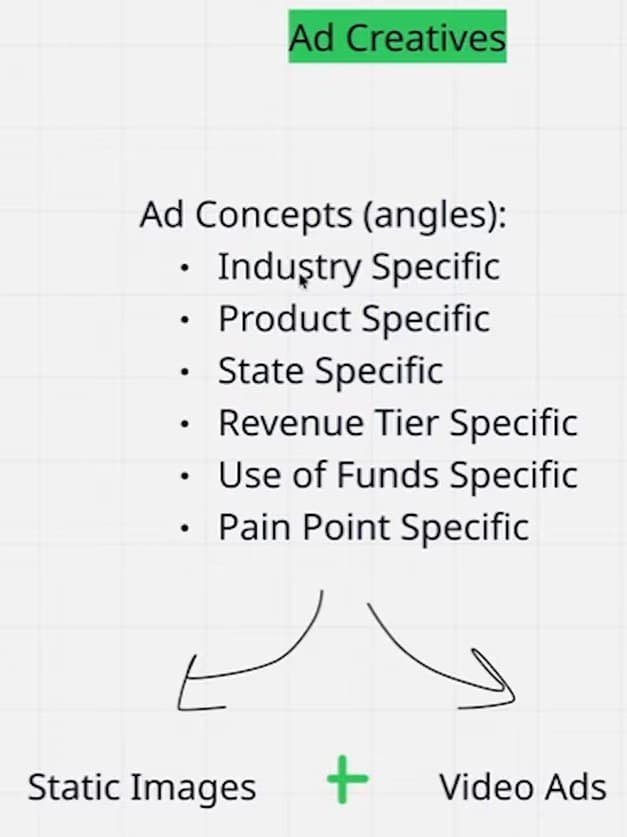
| Angle | Example | What it does |
|---|---|---|
| Industry | Restaurants, landscaping, med spa, trucking | Gets granular about who fills in the form |
| Product | MCA, line of credit, debt consolidation | Meets the merchant at the product they already want |
| State | “Funding for Florida businesses” | Personal, and useful whether you are nationwide or not |
| Revenue tier | “Doing $60K a month?” | Raises the file size — see the halving rule below |
| Use of funds | Inventory, equipment, payroll, expansion | Names the reason they were already thinking about |
| Pain point | “The bank said four to six weeks” | The urgency the product exists for |
Whichever angle an ad takes, the same checklist decides what goes into it. The pain-point angle works best as a situation rather than a demographic, the revenue-tier angle names at least double the merchant you want, and none of the five things on the leave-out list belongs in any of them.
Static and video: run both
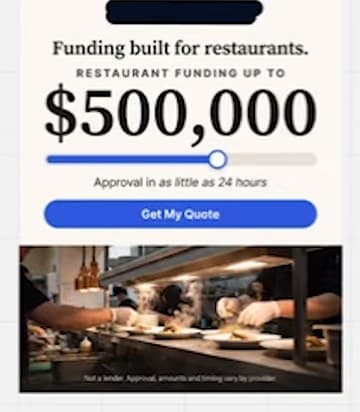
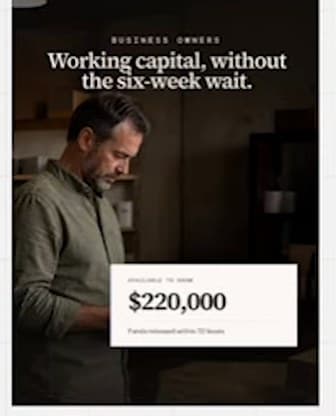
Both formats, every angle. The examples below are from our own account — for orientation, not for copying. A restaurant-specific static; a product-specific line-of-credit ad crossed with a home-services audience; and a plain lifestyle image with raw text, the kind that can be a stock photo or a phone picture. None of it is clever. All of it is direct.

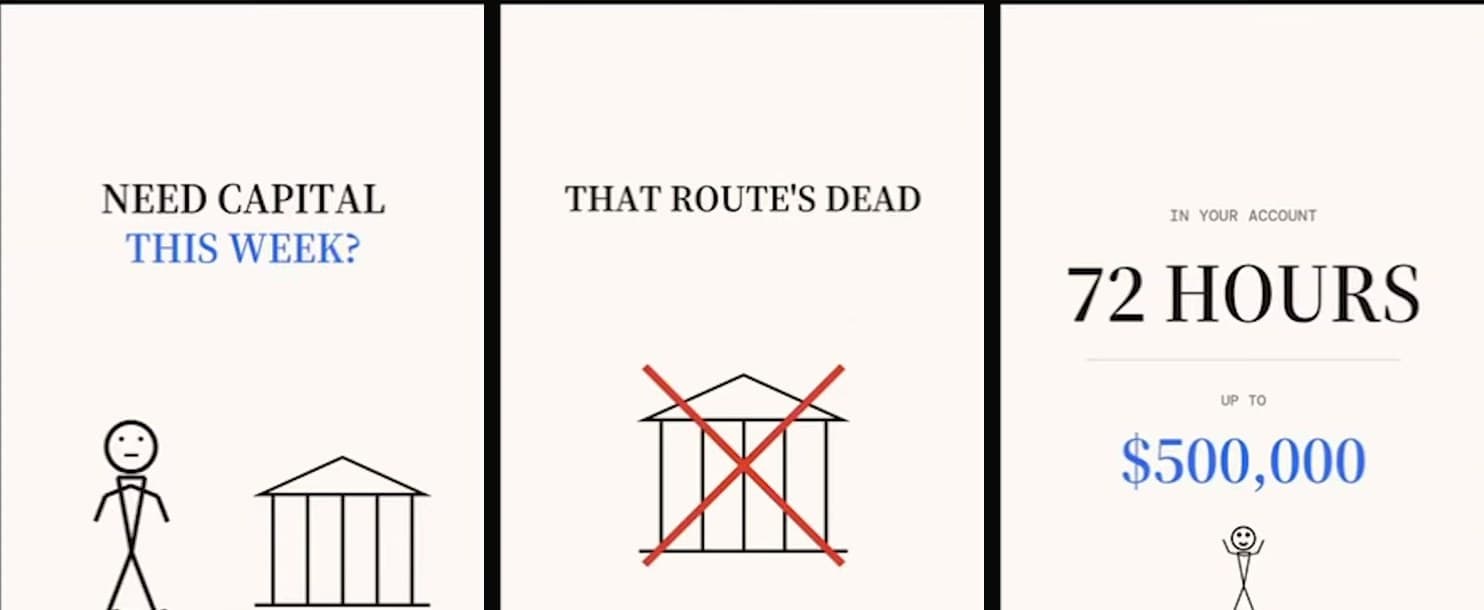
The video ad in the walkthrough was made in about five minutes with an AI tool and never edited. The script, in full: don’t start with your bank — a bank takes four to six weeks and decides on your personal credit, not what the business brings in; revenue-based funding takes three months of statements, offers come back the same day, money in 72 hours, up to $500K, no hard pull; doing $30K a month or more? That is the whole ad.
Do not turn them off
Once uploaded, ads stay on. Meta pushes spend to the ten to fifteen percent that are producing — in practice one or two ads taking about 90% of the budget within a day or two — and starving the rest is the algorithm doing its job. The only reason to switch something off is spend going to a creative whose leads do not fund. At close to 1,000 leads a week our account goes through 100 to 150 creatives a week, and almost nothing is paused by hand: the creative pipeline is about feeding the system, not curating it.
The exception is the size of the set at the floor. At $100 a day, run ten to fifteen creatives and no more than fifteen: too many creatives on too little budget means nothing learns. New ones replace the ads Meta has stopped spending on rather than joining them, so the set grows with the budget, not with the number of ideas.