The short answer
A Meta campaign for MCA leads that used to work almost always stops for one of five reasons: tired creatives, a budget too small for the creative count, a campaign stuck in the learning phase under fifty lead events a week, a pixel learning from the wrong merchants, or an audience burned out at a frequency over two. It is normal, not a fault: every campaign dies eventually. When cost per lead rises or merchant quality falls, check six things in order — fresh creatives, new creatives testing now, budget against creative count, fifty lead events a week, the pixel firing only on good leads, and frequency under two.
A campaign that brought good merchants at a good cost per lead for two months starts sliding: the cost per lead creeps up, the merchants get smaller, and fewer of them fund. The instinct is to assume something broke. Usually nothing did. Every campaign that works stops working eventually, gradually, in both cost and quality, and the job is to know which of five causes it is and to have the next campaign already running when it happens.
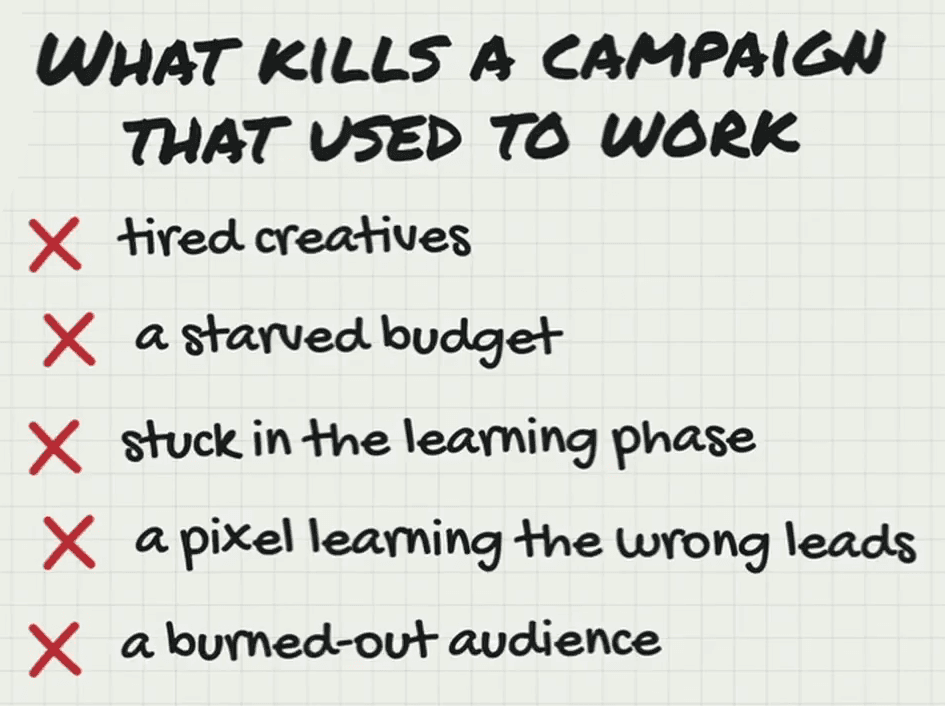
The five causes
| Cause | What it looks like | What fixes it |
|---|---|---|
| Tired creatives | Cost per lead climbing on ads that have run for weeks, and nothing new in test | New creatives testing before the old ones die |
| A starved budget | Too many creatives for the spend, so Meta never finds a winner | $100 a day at least, and ten to fifteen creatives at that budget |
| Stuck in learning | Under fifty lead events a week | Raise the budget 10 to 15% every three days, or fire the event earlier |
| A pixel learning the wrong leads | Merchant quality falls before the cost does | Fire the event on qualified merchants only |
| A burned-out audience | Frequency over two | A new ad set, fresh creatives, a new audience |
They are not independent. More budget means more creatives and faster fatigue; too little budget means fewer than fifty lead events a week; and a pixel fed disqualified merchants goes and finds more of them for the next seven to ten days. Alex’s word for all of it is a balancing act: spend, creative count, lead events and frequency move together, and a campaign dies when one of them falls out of line with the others.
When it dies, check six things
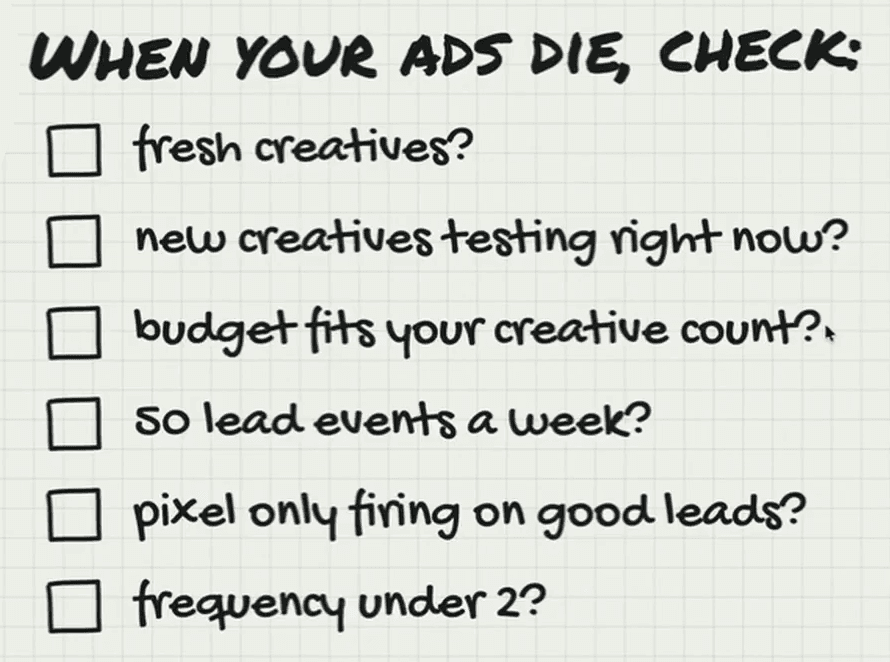
- Fresh creatives? How long have the current ones been running, and what are the CPM, the link click-through rate and the frequency doing?
- New creatives testing right now? The answer should be yes. If not, there is work to do before anything else: the pipeline has stopped.
- Does the budget fit the creative count? A hundred creatives on $100 a day will not work, and neither will a handful on a budget that burns through them in a week.
- Fifty lead events a week? If not, fix the conversion side: usually it is more budget, and that is all.
- Is the pixel firing only on good leads? If merchant quality is falling, check whether bad merchants are being reported back to Meta.
- Is frequency under two? At 2.2 or 2.3 with a good cost per lead, expect the campaign to start dying soon.
The account that never notices
The worst position is to see the campaigns dying and then scramble to make creatives and launch new campaigns, because scrambling means shortcuts. The account that survives this has its next winner already running when today’s winner fades, which is how our own clients get leads at a steady rate: when one of the main campaigns stops working, the next one is already sending leads. Creatives can be copied; the thing that keeps an account producing through those turns is the pixel and its data.
If the six checks come back clean and the cost is still rising, look one step down the funnel: the six numbers in Ads Manager, ranked from least to most telling, are the next place to look. The full video walks through each cause with its board.